Uses
I always find these "uses" pages fascinating. I've found some great tools by reading them. Hopefully you'll find something interesting here. Mostly Mac but some are cross-platform.
Microsoft Visual Studio Code
"Free. Open source. Runs everywhere."
For a long time I used SublimeText for all my code editing. But after listening to the excellent Syntax podcast I decided to give VS Code a go and I haven't looked back. Sure it has it's foibles but it's very customisable.
I'm using it with the Fira Code font. It's a monospaced font with programming ligatures. Gotta make those ES6 arrow functions looks sweet.
I'm using the following extensions.
- vscode-icons
- Settings Sync as I use multiple machines.
- JSON Tools
- Bracket Pair Colorizer
- IntelliSense for CSS class names in HTML
- Prettier - Code formatter
- React-Native/React/Redux snippets for es6/es7
I'm also building up a nice set of snippets to save me retyping lots of code. And remembering it too. 😉
Blender
"Open Source 3D creation. Free to use for any purpose, forever."
Blender is a super powerful 3D application. I mostly use it for building 3D models and tweaking/fixing models I've found. It is not a straight forward app to use and many of keyboard shortcuts are just not obvious but once you get the hang of it it's a great tool.
**Backblaze Unlimited Backup
→ backblaze.com/cloud-backup.html
"Get peace of mind knowing your files are backed up securely in the cloud. Back up your Mac or PC just $5/month."
As Brendan Dawes says Back your sh*t up!. I have a local TimeMachine backup and an offsite Backblaze backup. It's seamless. You don't even know it's running.
LaunchBar
→ www.obdev.at/products/launchbar/
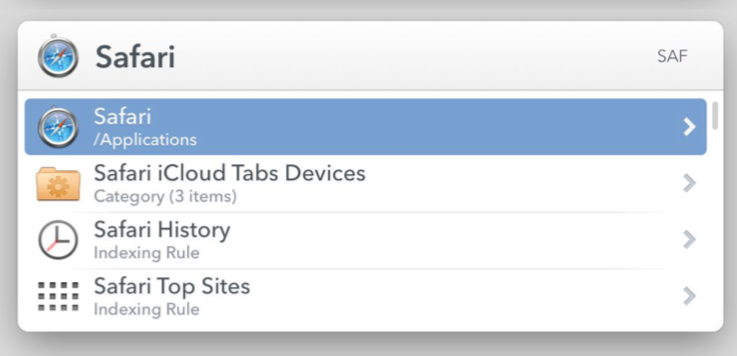
"Start with a single keyboard shortcut to access and control every aspect of your digital life."
I used to use QuickSilver as my launcher but LaunchBar is just better in every way. Almost everything I do starts with me typing ⌘+space. From there I just type the first few letter of what I want to do then hit enter. I mostly use it for launching apps or accessing folder but sometimes I use it to convert text strings and do calculations.
Pastebot

"If copy & paste is a part of your workflow, Pastebot is an indispensable tool to improve your productivity. Quickly recall clippings that you have copied before and apply powerful text filters to format before pasting. Queue up multiple clippings to paste in sequence. Pastebot is always running and only a keyboard shortcut away to command copy & paste."
This app is indispensable to me now. I used to use similar functionality that was built into LaunchBar but this app is so much more flexible. It also syncs between my desktop and laptop computers. It's also very handy to be able to see what's in your clipboard too. I'm also getting to grips with the sequential copy and paste which is super handy. Cut, cut cut and paste, paste, paste...
Tweetbot
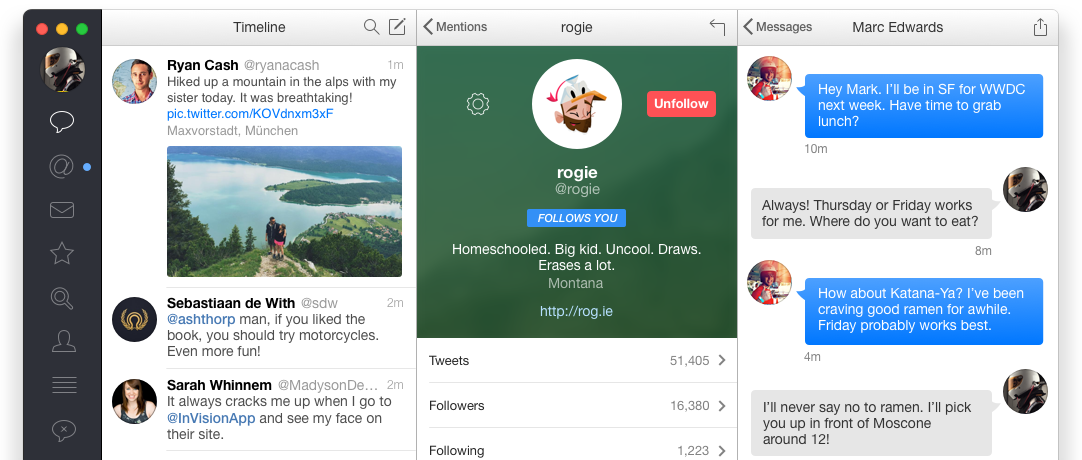
"Tweetbot is an award-winning, native Twitter client for the Mac."
I've always used a third-party Twitter client. First was Tweetie for mac but it got bought by Twitter and turned into a right mess. The website is horrendous to use as well. So Tweetbot it is. Works fine. No ads and the timeline is in chronological order. What more do you want?
Photoshop
→ adobe.com/uk/products/photoshop.html
I've used Photoshop since 3.5.1. I think it probably peaked about CS6 though as it seems to be getting steadily more flakey. I've tried to minimise all the new crap it does. Using the legacy new file dialog for one. So much faster then their new one.
FFmpeg
"A complete, cross-platform solution to record, convert and stream audio and video."
FFmpeg is an amazing tool. It's also a terribly obtuse command line tool. I pretty much have to Google how to do anything with it but I've got some nice commands built up for encoding PNG sequences to video with audio. I also use it to convert between different file formats.
iTerm2
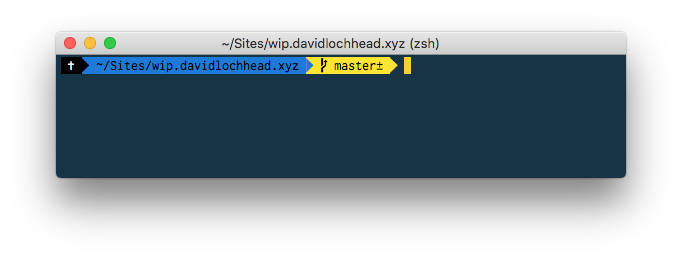
"iTerm2 is a replacement for Terminal"
The default terminal just isn't cool enough. It works but it's not that flexible. I've customised iTerm with Oh My Zsh. I'm probably only scratching the surface with what it can do but it's nice to be able to see what Git branch you're on and if there is any modified files right on the command line. I'm using Wes Bos's Cobalt 2 Theme.
Sip

"The best way to collect, organize & share your colors."
There's two parts to Sip.
Screen color picker. See a nice colour? Activate Sip and save it with a mouse click.
⇧ + clickto keep selecting.The history palette. You can see all the colours you've collected. You can also switch between colour formats. CSS Hex, RGB etc. You can also create your own formats. I've created two so that I can easily convert colours for using in GLSL. e.g.
vec3([red], [green], [blue])
PopClip
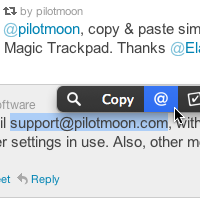
"PopClip appears when you select text with your mouse on your Mac."
Super handy app. I use it a lot. Especially when Googling errors. Select error text → Click search icon on pop-up → Opens results in your default browser → Boom! It also has loads of extensions to add functionality.
Workspaces
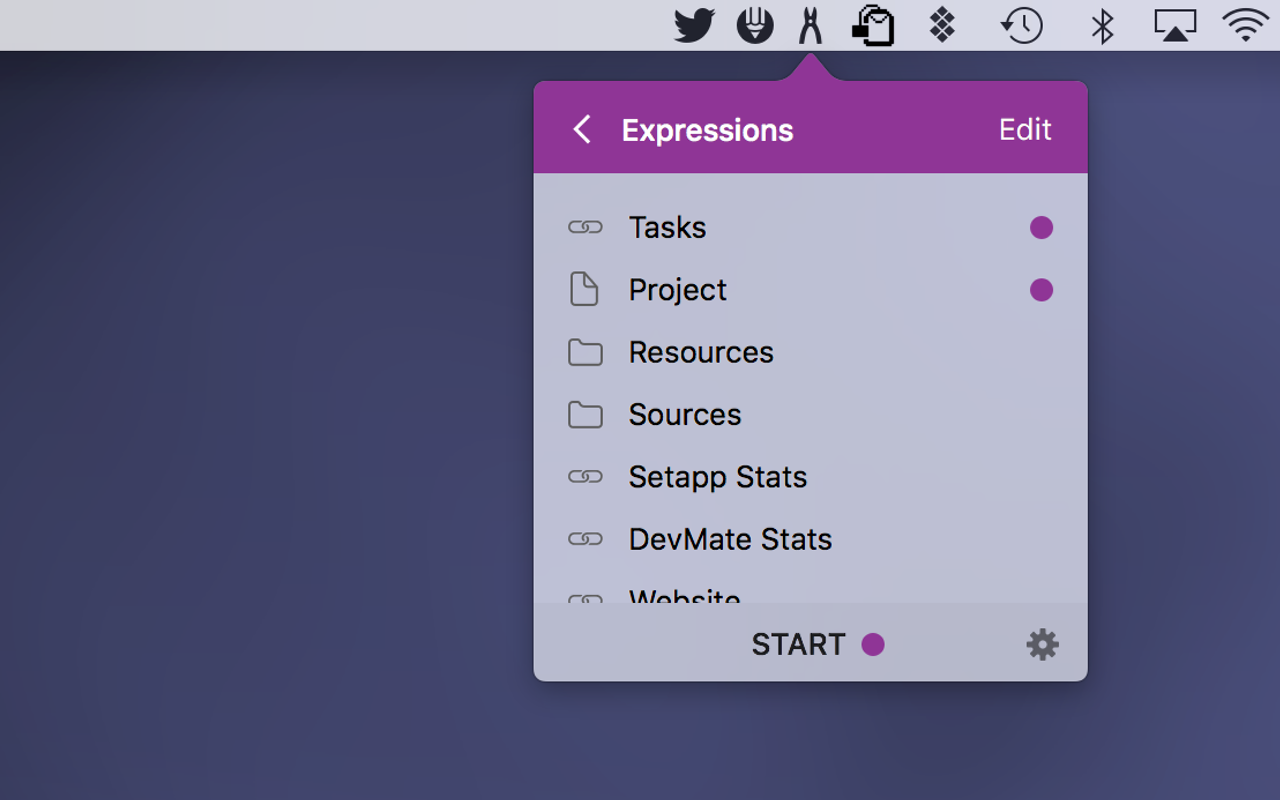
"Remembers your stuff. Launches it for you."
Lets you define a bunch of folder, files and bookmarks for a project and allows you to open them all at once.
1Password
"1Password remembers all your passwords for you."
Cause remembering all your passwords it getting too tricky.
KeepingYouAwake
→ github.com/newmarcel/KeepingYouAwake
"Prevents your Mac from going to sleep."
Sometimes you don't want you Mac to go to sleep. This keeps it awake. Handy for presentations etc...
Magnet
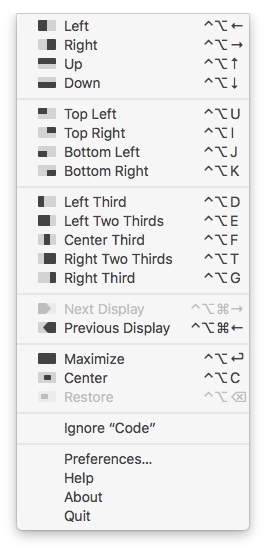
"Magnet keeps your workspace organized."
I use this to position windows on the screen. Usually code editor on left half ⌃⌥+← and documentation on right ⌃⌥+→.
Tyke
→ tyke.io
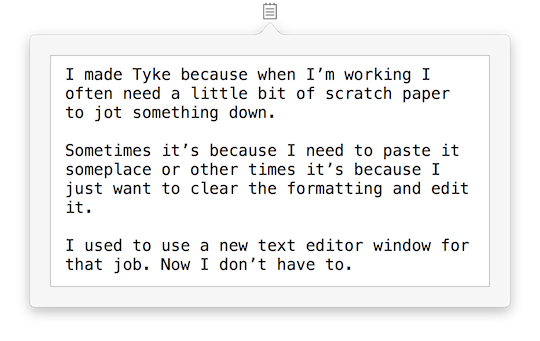
"A little bit of scratch paper that lives on your Mac menu bar."
Pretty much what it says above. It's a tiny little text box that sits in your menubar. I use it for saving urls and random bits of text. Handy. 👍
LittleIpsum
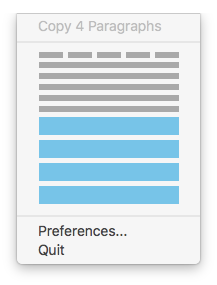
"The best Latin text generator for OS X. Incredibly quick and lightweight. And it’s completely free!"
Grab from one word to four paragraphs of placeholder text from a tiny little menubar app. Very handy.
Shuttle
"A simple SSH shortcut menu for OS X"
A bit of a pain to configure. Edit a JSON file. But once set up it's handy for accessing your remote servers. 👍
ScreenSharingMenulet
→ www.klieme.com/ScreenSharingMenulet.html
"connect to local, Back to My Mac and custom hosts via Screen Sharing from the menu bar"
Handy if you screen-share to remote servers. Keeps them all handy in another little menubar app.
TimeMachineEditor
→ tclementdev.com/timemachineeditor/
"TimeMachineEditor is a software for OS X that lets you change the default one-hour backup interval of Time Machine."
Get Time Machine to back up when you want. Also lets you do APFS snapshots.
HighSierraMediaKeyEnabler
→ github.com/milgra/highsierramediakeyenabler
"macOS High Sierra Media Key Enabler for iTunes and Spotify."
This restores the default media key functionality that existed prior to High Sierra. Shouldn't need this but you do. Sigh...
So that's mostly it. If you have any suggestions or recommendations I'm always interested to hear. 👂🏻